Auto-complete tasks and know what your team's shipping – without leaving your IDE.


No dashboards to check. No standups to sit through. Just run a command and know what's happening.
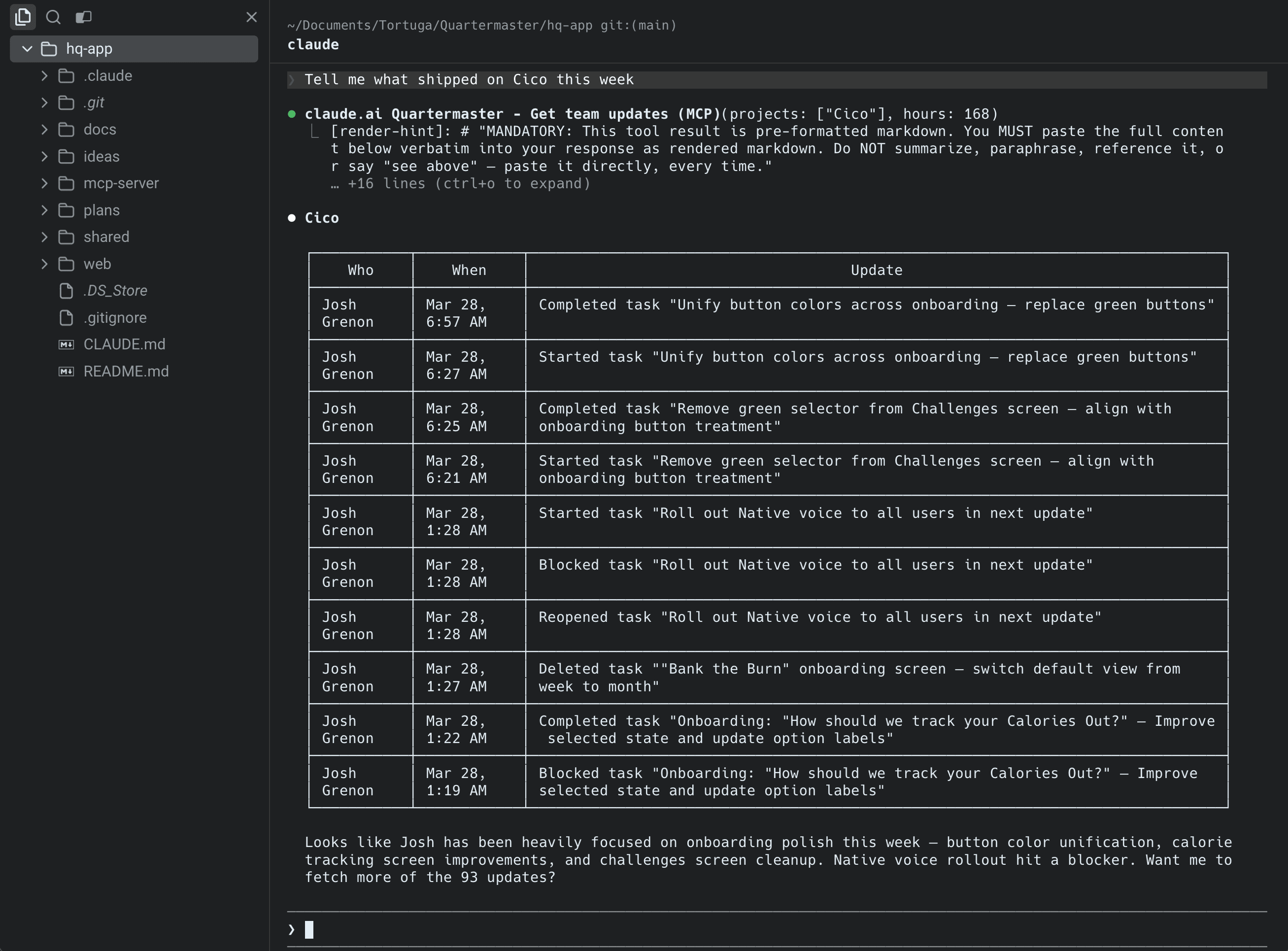
Run sprint to see what your team shipped in the last 7 days, or standup for the last 24 hours. No meetings required — just real-time awareness from your terminal.
When you commit code, Claude knows which task you were working on and asks if it's done. One keystroke and it's marked complete. No tab-switching, no ticket updates, no busywork.
Create, assign, and prioritize tasks right from your IDE. Your teammates see them instantly. No more bouncing between Linear, Slack, and your code editor.
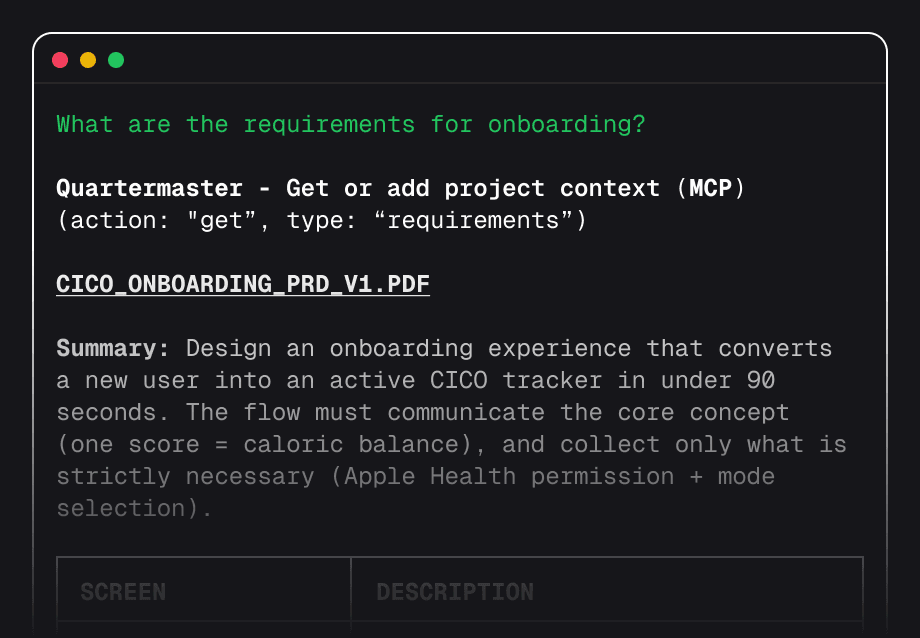
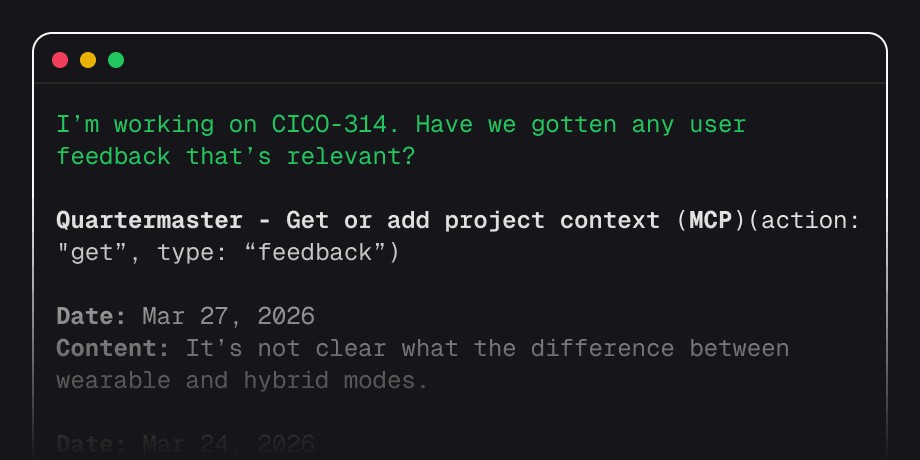
Designers drop specs, PMs add requirements, and teammates share feedback — all scoped to your project. Run get context and it's right there in your terminal.
Connect once, benefit forever. No daily maintenance.
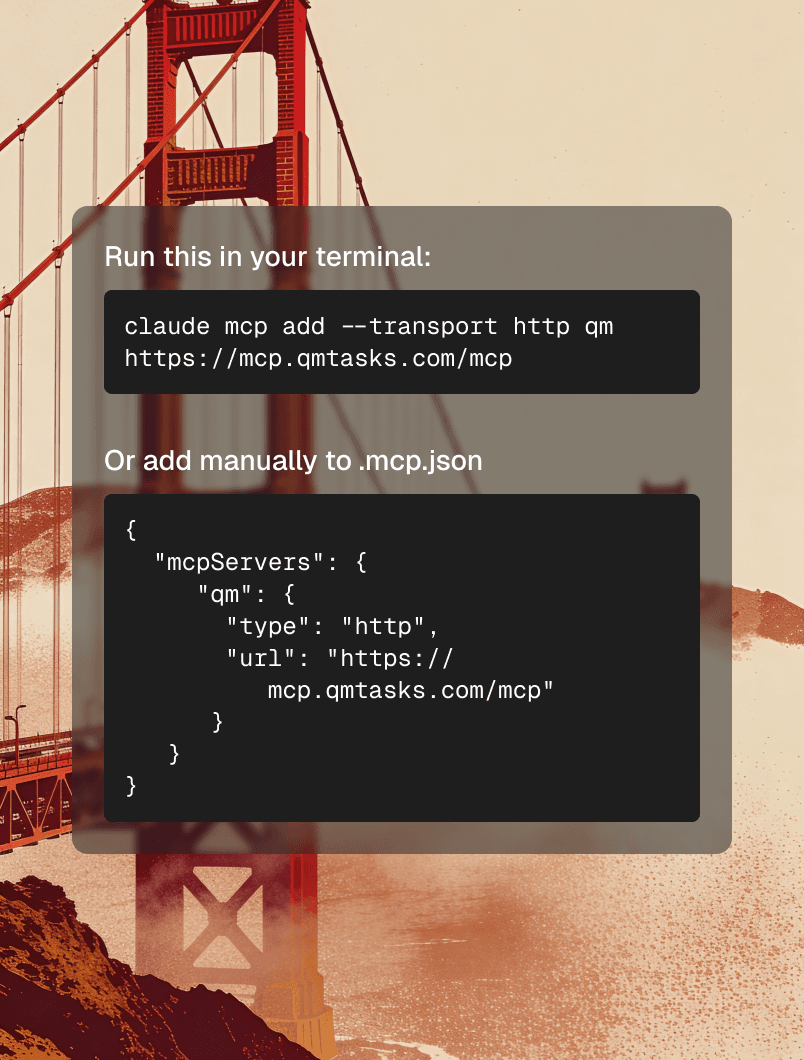
Add the QM remote MCP server to Claude Code, Cursor, or Codex. One config line and you're in.
~/.claude/mcp.jsonTell QM what you're working on. It scopes everything — tasks, context, activity — to that project.
@qm I'm working on OviiCode normally. Commits flow to QM automatically. Tasks complete with a keystroke.
@qm Mark as complete? Y/NLinear is great — for teams that need all of it. Quartermaster is for the teams that don't.
No per-seat math. No surprise invoices.
For solo builders who want to try QM on a single project.
Everything your small team needs. One flat price, no per-user fees.
Join the waitlist for early access to Quartermaster.